Online Appointment Scheduling Setup That Works
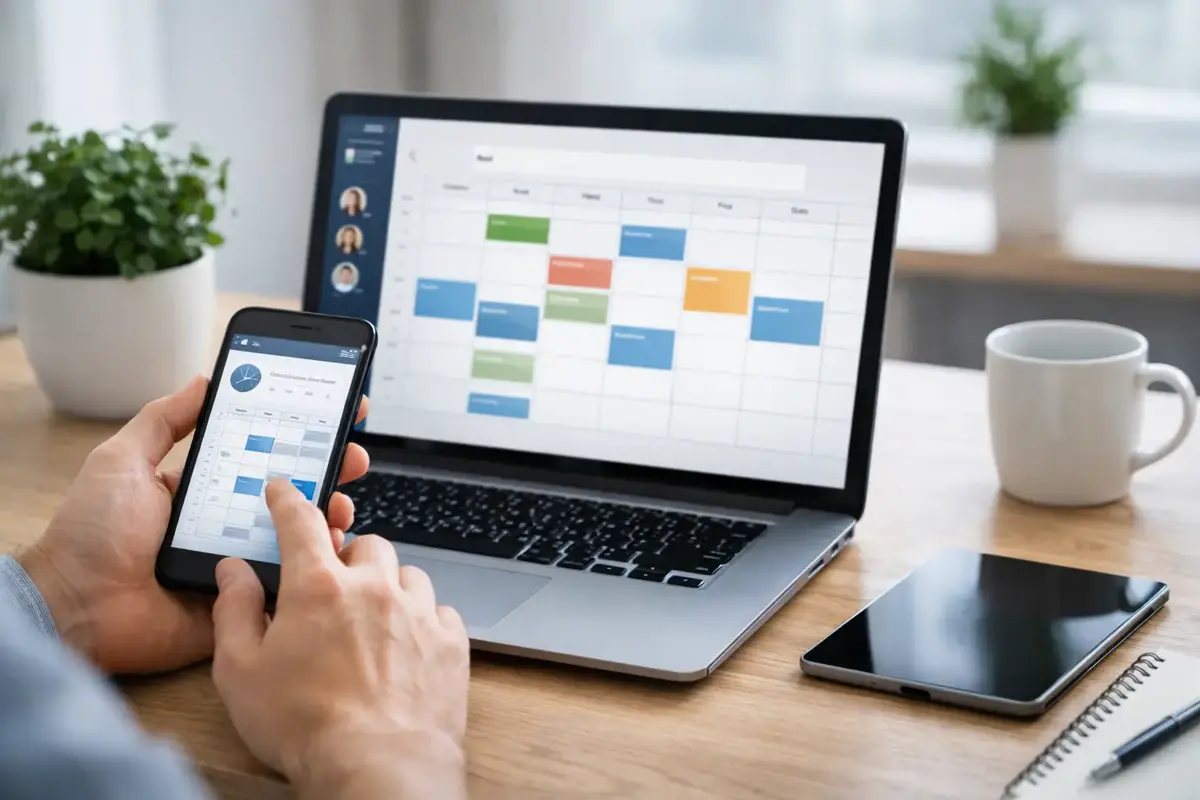
A customer visits your site at 9:40 p.m., decides they are ready to talk, and finds only a contact form. By morning, that moment may be gone. A well-planned online appointment scheduling setup gives qualified customers a clear next step when they are ready - not when your office happens to be open.
For Bay Area small businesses, scheduling is not just a calendar feature. It is part of the sales process. It affects how many leads you capture, how much back-and-forth your staff handles, and whether a promising inquiry turns into a booked job, consultation, or service visit.
Start With the Customer Journey, Not the Calendar
The common mistake is choosing a scheduling tool first, then trying to force the business around its settings. That usually creates confusing appointment types, poor availability rules, and a booking page that feels disconnected from the rest of the website.
Start with the real path a customer takes. What are they trying to book? How much information do you need before confirming? Does the appointment require travel time, a deposit, a staff assignment, or a follow-up call? A dentist, contractor, salon, legal office, and business consultant may all use online booking, but their rules should not look the same.
For a simple consultation-based business, the process may be straightforward: choose a time, answer two or three qualifying questions, and receive confirmation. For a home service company, the better approach may be to collect the address, service need, and preferred time window before routing the request for review. Calling both processes “online booking” hides an important difference.
The goal is not to automate every decision. The goal is to remove repetitive coordination while keeping the decisions that protect your time, margins, and customer experience.
Build an Online Appointment Scheduling Setup Around Real Capacity
Your calendar should reflect how work actually happens, not an idealized version of your day. If an estimate takes 30 minutes but requires 20 minutes of preparation and 30 minutes of travel, a 30-minute booking slot will create a problem before the first appointment is completed.
Set rules that protect the operation. Add buffers between appointments where they are needed. Limit how far ahead customers can book. Define a minimum notice period so someone cannot claim a time slot you cannot realistically serve. Block recurring commitments, lunch periods, field work, and time reserved for existing customers.
Availability should also account for the person doing the work. A single-owner business may need one calendar with firm boundaries. A multi-person team may need appointment routing based on service type, territory, credentials, or workload. There is no prize for showing every possible time if those openings create chaos behind the scenes.
Keep appointment types clear
Give customers a small number of choices written in plain English. “New patient consultation,” “30-minute strategy call,” or “In-home estimate” tells people what they are booking. “Service appointment 1” does not.
Each appointment type should have a defined length, location or meeting method, staff owner, confirmation message, and intake questions. If a service requires more than a few decisions from the customer, it may be better handled as a request rather than an instant booking.
That distinction matters. Instant booking works best when the service is standardized and capacity is predictable. Request-based scheduling is often safer for custom work, higher-ticket services, or jobs that must be reviewed before a commitment is made.
Put Booking Where Intent Is Highest
A scheduling page buried in the navigation is rarely enough. Customers should be able to book from the pages that create intent: service pages, location pages, contact pages, and the confirmation screen after a form submission when appropriate.
The call to action needs to match the customer’s readiness. Someone comparing options may prefer “Request an Estimate.” Someone who has already decided may want “Book a Consultation.” Using one generic button everywhere can lower conversions because it ignores where the visitor is in the decision process.
Mobile deserves special attention. Many local customers will find your business from a phone, often between errands or after work. The booking flow should be easy to use with a thumb, load quickly, and ask only for information that serves a clear purpose. A long intake form on a small screen creates friction at the exact moment a lead is trying to act.
A custom website gives you more control here. Rather than sending visitors to a generic third-party page with a mismatched logo and confusing layout, the scheduling experience can fit naturally into the site and reinforce a professional first impression.
Collect Enough Information to Make the Appointment Count
Every extra field can reduce completion rates, but too little information leaves your team unprepared. The right balance depends on the value and complexity of the appointment.
For most businesses, start with the customer’s name, contact details, the service they need, and one short question that helps qualify the request. A contractor might ask for the project address and type of work. A consultant might ask what the customer hopes to solve. A service business could ask whether the customer is new or returning.
Avoid collecting sensitive information through a basic booking form unless the system and your process are built to handle it properly. Do not ask customers to explain private medical, financial, or legal details just to reserve a time. Use the booking step to establish the appointment, then handle confidential intake through the right channel.
The information should go somewhere useful. A booking that lands in one inbox, a calendar, and a separate spreadsheet creates more manual work than it saves. A better setup sends the appointment details to the calendar, alerts the right team member, and records the lead where follow-up can happen consistently.
Confirm, Remind, and Follow Up Without Chasing People
The booking is only the start. Confirmation messages reassure customers that the appointment is real and tell them what happens next. Reminder messages reduce no-shows, especially for appointments booked days or weeks in advance.
A practical reminder sequence often includes an immediate confirmation, a reminder a day or two before, and a final reminder closer to the appointment. The exact timing depends on the service. A 15-minute virtual consultation has different needs than a two-hour in-home appointment.
Your messages should answer basic questions before customers have to ask: Is the appointment in person, by phone, or online? Is there anything to bring or prepare? How do they reschedule? What happens if they arrive late? Clear expectations protect both sides.
Canceled appointments also need a plan. If a customer cancels, offer a rescheduling path rather than leaving the conversation at a dead end. If someone fails to show, a polite follow-up can recover the opportunity and identify whether your reminder process needs improvement.
Connect Scheduling to the Rest of Your Lead System
Online scheduling becomes more valuable when it is connected to the tools your business already uses. This does not mean adding software for its own sake. It means making sure the booking triggers useful work automatically.
A solid setup can support four practical outcomes:
- The customer receives a confirmation and calendar invitation.
- The right staff member receives the appointment details and any notes.
- The lead is recorded for follow-up, reporting, and future marketing where appropriate.
- Unbooked or incomplete inquiries receive a timely response instead of disappearing.
An AI receptionist or lead-capture chatbot can support this process after hours by answering common questions, collecting initial details, and directing qualified visitors to the right appointment type. It should not pretend to be a human or make promises it cannot keep. Its job is to provide a useful first response and move the customer toward a clear next step.
For businesses with high call volume, this connection can reduce the number of interruptions that pull staff away from customers already in front of them. For owner-operators, it can prevent good leads from waiting until the next morning for a reply.
Test the Experience Like a Customer Would
Before launch, run through the full process on desktop and mobile. Book a test appointment. Read every message. Try rescheduling. Confirm that the calendar blocks the time correctly and that the right person receives the details.
Look for problems that are easy to miss from inside the business: unclear appointment names, time-zone errors, duplicate notifications, booking pages that load slowly, and confirmation emails that land in spam. Also test what happens when a customer selects an unavailable time, submits incomplete information, or books outside your service area.
After launch, review the numbers. How many visitors reach the booking page? How many complete a booking? Which appointment types lead to real revenue? How often do customers cancel or fail to show? Those answers tell you whether the system needs a small adjustment or a more meaningful change.
A scheduling tool is not a set-it-and-forget-it feature. Business hours change. Services change. Staff availability changes. Your setup should be easy to maintain without rebuilding the site every time something shifts.
Choose Practical Over Fancy
The best online appointment scheduling setup is not the one with the longest feature list. It is the one your customers understand, your staff can manage, and your business can rely on during a busy week.
Stack Studios approaches scheduling as part of a larger lead system: a fast, custom website, clear conversion paths, and practical automations that reduce repetitive work without adding technical clutter. The right solution may be simple, or it may need deeper routing and follow-up. What matters is that it matches the way you actually operate.
If your current process still depends on missed calls, back-and-forth emails, and reminders written by hand, start by mapping one appointment type from first click to completed visit. Fix that path well, then build from there.