How to Set Up Automated Client Reminders That Work
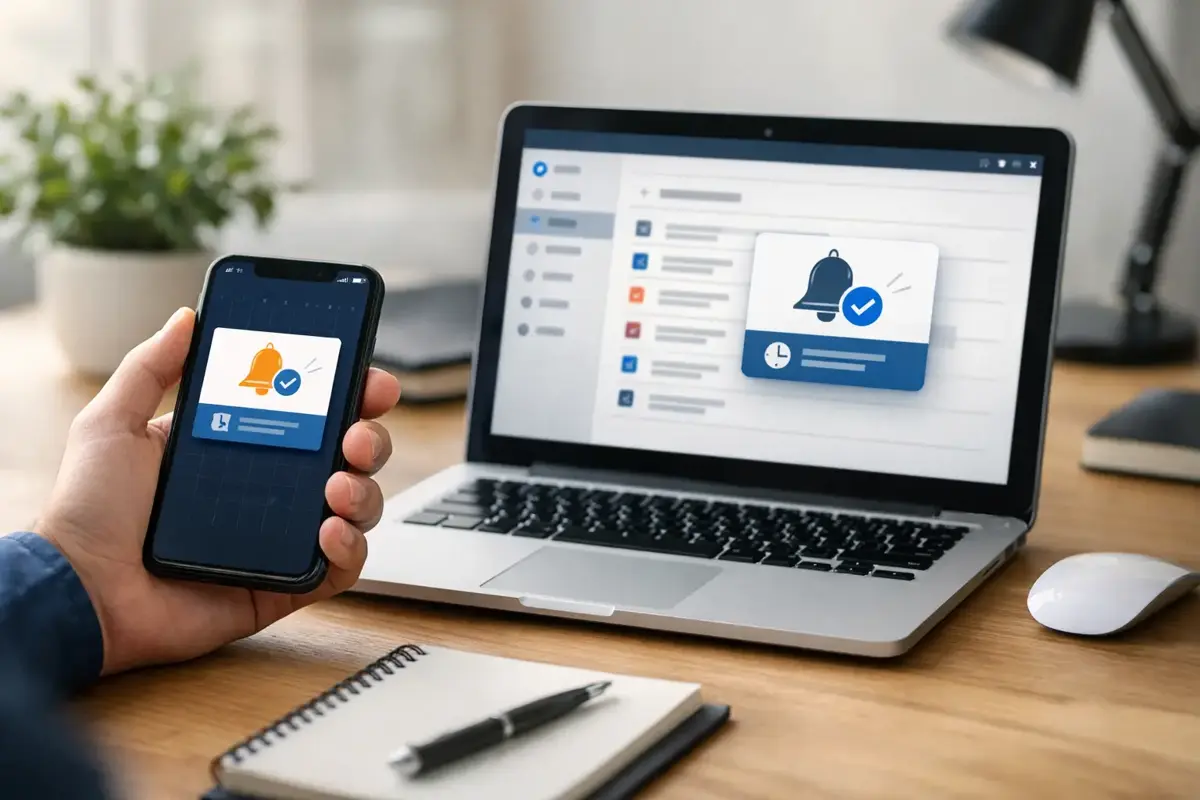
A missed appointment is not always a lost customer. Sometimes it is a customer who got busy, wrote the date on the wrong calendar, or never saw the confirmation buried in their inbox. When you set up automated client reminders correctly, you give people a useful nudge before their appointment becomes an empty slot on your schedule.
For Bay Area small businesses, that matters. A no-show costs more than the appointment itself. It can leave a technician idle, keep another customer from getting a time they needed, and force your team into another round of follow-up. The fix is not sending more random messages. It is building a clear reminder process that feels helpful, personal, and tied to the way your business actually operates.
Why automated reminders work when manual follow-up does not
Manual reminders are easy to start and difficult to sustain. An owner or office manager may text clients when the day is quiet, then miss the task during a busy week. The system depends on someone remembering a repetitive job at exactly the time they are likely handling phones, customers, payments, or staffing issues.
Automation handles the repeatable part. Once a customer books, the reminder sequence starts from the same source of truth: your scheduling system, form submission, CRM, or intake workflow. The message goes out on time, the right appointment details are included, and your team can focus on exceptions instead of chasing every confirmation.
That does not mean every customer touchpoint should be automated. A complex estimate, an unhappy client, or a high-value project still deserves a human response. Good automation gives your people more room for that work. It should not make your business sound like a ticket system.
Set up automated client reminders around the appointment journey
The strongest reminder systems are not one message sent the night before. They are a short sequence designed around the decisions a client needs to make: Did my booking go through? Do I need to prepare anything? Can I still make this time? What do I do if I need to reschedule?
Start with the immediate confirmation. Send it within a few minutes of booking and include the essentials: appointment date and time, service or meeting type, location or video details, and a simple way to contact you. If a customer booked after hours through your website or AI receptionist, this message provides immediate reassurance that the request did not disappear into a void.
Next, send a reminder at a practical interval. For many appointment-based businesses, 24 to 48 hours before the appointment is a good starting point. A mobile pet groomer may need more notice because route changes affect the entire day. A salon may prefer 24 hours. A contractor scheduling an in-home estimate might send one reminder two days before and another on the morning of the visit.
The right timing depends on your service, cancellation policy, and how far clients travel. Look at your actual pattern. If most no-shows happen because customers forget, a closer reminder may help. If clients need to arrange access, transportation, paperwork, or childcare, earlier notice is more useful.
Give clients one clear action
Every reminder needs a purpose. Do not make people read a paragraph and guess what happens next. Ask them to confirm, reschedule, complete intake paperwork, bring an item, or reply with a specific detail.
For example, an appointment reminder for a dental office might ask the client to confirm by replying YES. A reminder for an electrician could ask the customer to reply if gate access, parking instructions, or the scope of work has changed. A consultation reminder for a professional service business can include a short prompt to gather documents before the call.
Keep the action easy. If the message says, “Call us to reschedule,” but the office is closed, the customer may do nothing. A rescheduling link or a monitored reply option is often better. Just make sure the option connects to a real process. A link that does not update the calendar or a reply inbox nobody checks creates more problems than it solves.
Choose the right channels, not every channel
Text messages usually get seen faster than email, especially for next-day appointments. Email is better for longer instructions, receipts, intake forms, estimates, and records a client may need to search later. Many small businesses get the best result by using both: email for the booking details and text for the short, time-sensitive reminder.
Phone calls still have a place for certain clients and services. A high-ticket consultation, a medical-related appointment, or a job requiring a homeowner to be present may justify a personal call if the client has not confirmed. This is where automation can flag the exception for your team rather than pretending it can replace judgment.
Use four basic rules when deciding on channels:
- Send only messages the customer reasonably expects after booking.
- Get the right consent for text communications and honor opt-out requests.
- Use the customer’s local time zone, especially for virtual appointments.
- Avoid sending multiple reminders through multiple channels at the same moment.
The goal is to be useful, not impossible to ignore. If a client receives two texts, an email, and a call within ten minutes, the system feels careless. Frequency should reflect the value and urgency of the appointment.
The American Psychological Association notes that customers who receive appointment communications outside their local time zone experience confusion and higher cancellation rates.
Write reminders that sound like a local business
A reminder does not need marketing language. It needs to be clear, accurate, and easy to act on. Start with your business name so the client immediately knows who is messaging. Then state the appointment information in plain English and present the next step.
A simple text might read: “Hi Jamie, this is Northside Auto Care. You are scheduled for an oil change tomorrow, Tuesday, at 10:30 a.m. Reply C to confirm or R to reschedule.”
That works because it answers the questions that matter. Who is this? What is happening? When is it happening? What should I do now?
If a visit requires preparation, say so without overloading the message. “Please have the side gate unlocked and pets secured before our 1 p.m. arrival window” is more useful than a generic “We look forward to seeing you.” For a virtual consultation, include the meeting link in the confirmation email and a brief text reminder that tells the client where to find it.
Avoid vague language, unexplained abbreviations, and fake urgency. Also avoid pretending the message comes from an individual when it is clearly automated. Honest communication builds trust faster than forced personalization.
Build the workflow behind the message
Reminder copy is only one part of the system. The workflow has to handle the customer response and update the right records. Otherwise, your team ends up manually reconciling confirmations, cancellations, and calendar changes anyway.
Map the workflow before selecting tools. Identify what triggers the sequence, where appointment information lives, which channel sends the message, and what happens after a customer confirms or reschedules. For a basic service business, the path may be simple: booking form to calendar to reminder text to confirmation status. A business with multiple locations, service areas, technicians, or appointment types may need more detailed logic.
Pay close attention to edge cases. What happens if the client books less than 24 hours before the appointment? What if staff reschedules the appointment from their calendar? What if a customer replies with a question rather than the expected confirmation word? What if the appointment is canceled?
A practical system stops future reminders when an appointment is canceled and updates reminders when the time changes. It should also route unusual replies to a real person. An AI receptionist can help answer common questions and capture after-hours requests, but it needs clear handoff rules for anything sensitive, urgent, or unclear.
Measure the result before adding more automation
Track no-shows, late cancellations, confirmed appointments, reschedules, and response times for a few weeks before and after launch. You do not need a complicated dashboard to see whether the system is helping. A simple monthly comparison can show whether empty slots are dropping and whether staff is spending less time on reminder calls.
Also listen for friction. If customers say the links do not work, that messages arrive at the wrong time, or they receive reminders after canceling, fix those problems first. More automation is not automatically better. A smaller, dependable workflow beats a complicated setup that creates confusion.
For businesses that rely on their website to generate appointments, reminders should connect to the larger lead system. The booking form, confirmation page, calendar, AI chatbot, follow-up messages, and staff notifications should all agree on what the client requested and what happens next. That is how a website becomes an operational tool instead of an online brochure.
Stack Studios helps small businesses build these kinds of practical workflows around the tools they already use, with clear scope and direct accountability. The best setup is not the flashiest platform. It is the one your team can trust on a busy Tuesday afternoon, when every confirmed appointment protects your time and gives the next customer a better chance to be served.